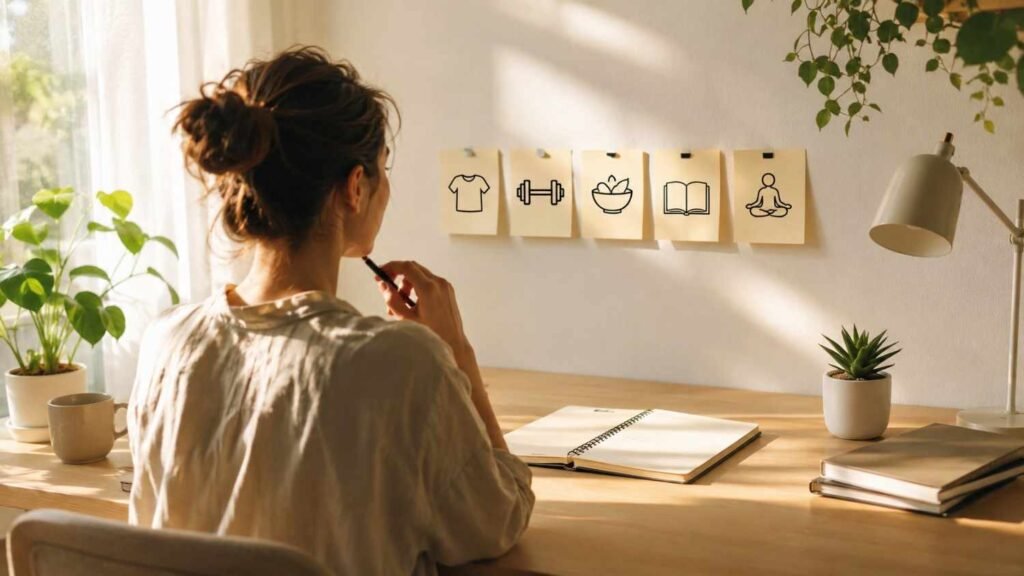

Screens do not just take our time; they quietly drain our eyes, posture, focus, and sleep when we use them without breaks. For many people in the US, a normal day moves from laptop meetings to phone notifications, online errands, streaming, and late-night scrolling. That constant digital load can leave you feeling tired before the day is even over.
This is where wellness habits for screen fatigue can make daily screen use feel easier, healthier, and far less exhausting.
What Causes Screen Fatigue During Long Digital Days?
Screen fatigue usually happens when your eyes and body stay locked into one task for too long. When I stare at a screen, I blink less, sit still longer, lean forward, and ignore early signs of discomfort. Over time, that combination can strain the eyes, tighten the body, and drain focus.
Digital eye strain prevention works best when you address the full environment. You need better eye breaks, better lighting, better posture, more movement, and healthier screen boundaries. A single blue light setting will not fix everything if you still work in a dark room, squint at small text, skip breaks, and scroll until midnight.
How Can the 20-20-20 Rule Help Tired Eyes?
The 20-20-20 rule is one of the easiest screen fatigue relief habits. Every 20 minutes, look at something about 20 feet away for at least 20 seconds. Harvard Health recommends this habit for close-up tasks because it gives your eyes a short reset from constant near focus.
I like this rule because it feels realistic. You do not need special equipment, and you do not have to stop working for long. You can look out a window, across the room, or down a hallway. The goal is to relax your focusing muscles before eye strain turns into a headache.
Why Should You Blink More When Using Screens?
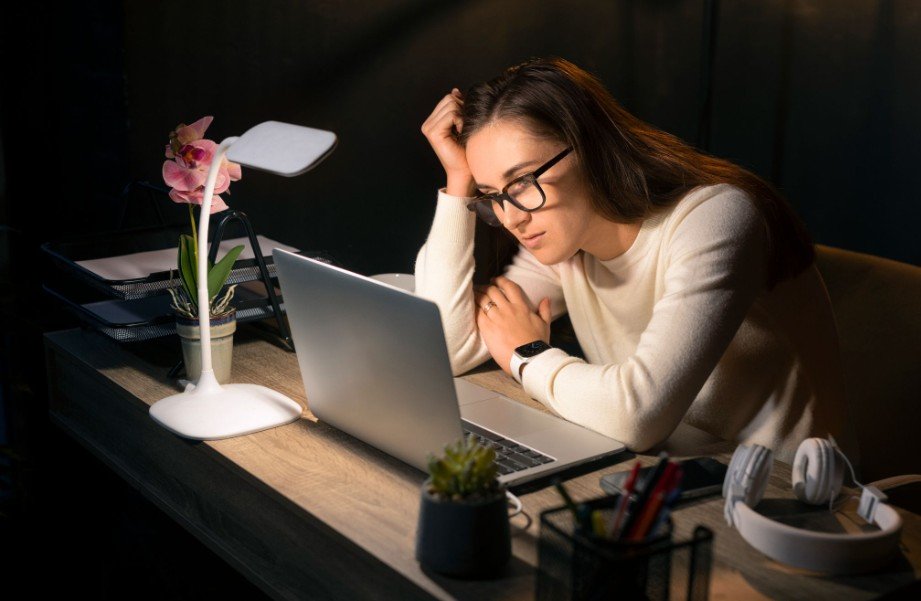
One of the most overlooked healthy screen time habits is conscious blinking. When you focus on a screen, your blink rate often drops, and your eyes may feel dry, gritty, or irritated. Harvard Health also notes that blinking often and moisturizing eye drops can help combat dryness linked to screen use.
I recommend doing slow, full blinks during every eye break. Close your eyes fully, open them naturally, and repeat a few times. If your eyes still feel dry, preservative-free artificial tears may help. Keep them at your desk, but do not wait until your eyes feel painfully dry. If dryness continues, schedule an eye exam.
How Should You Set Up Your Workspace to Reduce Eye Strain?
Your screen setup can either protect your eyes or make screen fatigue worse. I keep my monitor about an arm’s length away, usually around 20 to 25 inches. I also keep the screen slightly below eye level, so my neck stays relaxed and my eyes do not feel forced wide open.
Brightness matters too. Your screen should match the room around you. A glowing screen in a dark room can feel harsh, while a dim screen in bright daylight can make you squint. Mayo Clinic recommends adjusting lighting, taking breaks, and limiting screen time to reduce eyestrain.
Glare is another major problem. Move your screen away from direct sunlight, close blinds when needed, and avoid placing your monitor directly under harsh overhead lighting. If glare remains, a matte screen filter can make work sessions easier on your eyes.
Why Does Text Size Matter for Digital Eye Strain?
Small text can quietly create big problems. If I catch myself leaning toward the screen, squinting, or rereading lines, I know it is time to increase the font size. Upsizing text on your laptop, phone, browser, or work software reduces the need to strain.
This is especially useful for remote workers, students, editors, designers, and anyone who spends hours reading emails, spreadsheets, documents, or dashboards. Clearer text helps your eyes work less and helps your posture stay more natural.
Can Palming Help With Screen Fatigue?
Palming is a simple offline reset. Rub your hands together until they feel warm, then gently cup them over closed eyes for about 30 seconds. Do not press on your eyes. Just block the light, breathe slowly, and let your eyes relax.
I like palming between meetings or after intense focus work. It gives both the eyes and the mind a short pause. It will not replace proper eye care, but it can support a calming screen break during a stressful workday.
How Often Should You Take Movement Breaks?
Screen fatigue is not only an eye problem. Sitting still for long periods can cause neck tension, shoulder pain, back discomfort, and low energy. I try to stand, stretch, or walk for a few minutes every hour.
A short movement break can include shoulder rolls, neck stretches, a quick walk around the room, or refilling your water bottle. Pairing hydration with eye breaks is a smart habit because water supports overall comfort and may help reduce the dry, tired feeling that builds during long screen sessions.
How Can You Reduce Screen Fatigue While Working From Home?
Work from home screen fatigue can feel worse because work and personal screen time blend together. You may spend eight hours on a laptop, then move straight to your phone, tablet, or TV.
I recommend creating screen-free blocks. Keep meals away from devices when possible. Protect the first hour of your morning from unnecessary scrolling. Step outside, stretch, make coffee, journal, or plan your day before checking notifications. These small boundaries help your brain start and end the day with more control.
Why Is a Digital Sunset Important Before Bed?
A digital sunset means powering down devices about 60 minutes before bed. This is important because screen light and stimulating content can interfere with sleep. CDC information on light exposure notes that back-lit screens can make it harder to fall asleep or may cause early waking during sensitive sleep periods.
If you cannot avoid screens at night, lower brightness, use night mode, and avoid stressful work emails or endless social media scrolling. Better sleep makes the next day’s screen use easier to handle.
When Should You See an Eye Doctor?

Most screen fatigue improves with better habits, but persistent symptoms should not be ignored. If you have ongoing blurry vision, eye pain, frequent headaches, severe dryness, double vision, flashes, floaters, or symptoms that do not improve with breaks, book an eye exam.
Sometimes the real issue is an outdated prescription, dry eye condition, uncorrected vision problem, or workplace setup that needs professional guidance.
Frequently Asked Questions
1. What is the fastest way to reduce screen fatigue?
The fastest way is to stop looking at the screen, follow the 20-20-20 rule, blink slowly, stretch your neck and shoulders, drink water, and reduce glare.
2. How do I stop dry eyes from screen time?
Blink more often, use artificial tears if needed, avoid air blowing directly into your eyes, reduce long screen sessions, and speak with an eye doctor if dryness continues.
3. Can screen fatigue cause headaches?
Yes, screen fatigue can contribute to headaches, especially when you deal with glare, poor lighting, small text, uncorrected vision, or long periods without breaks.
4. Is screen time before bed bad for sleep?
Screen use before bed can make sleep harder because light exposure and stimulating content may delay relaxation. A 60-minute digital sunset can help.
Final Thoughts
The best wellness habits for screen fatigue are simple, but they work best when combined. Look away every 20 minutes, blink fully, use artificial tears when needed, reduce glare, increase text size, sit at arm’s length, stretch hourly, drink water, protect meals from screens, and create a digital sunset before bed.
You do not have to quit technology to feel better. You just need wellness habits for screen fatigue that protect your eyes, body, focus, and sleep every day.